
Technical SEO
Lost Rankings After a Website Redesign: Diagnostic Guide
Organic traffic collapsed right after launching a new website design. Here is how to diagnose dropped redirects, stripped headings, broken internal links, and JavaScript rendering failures.

Key takeaways
- Traffic losses occurring within days of a website redesign point to technical migration faults, not algorithmic quality reassessments.
- Missing 1-to-1 301 redirects and blanket redirects to the homepage destroy historical page authority and trigger soft 404 exclusions.
- Redesigned page templates often remove descriptive H1 tags, dilute metadata, or trim substantive body copy in pursuit of minimal design.
- Client-side JavaScript rendering can hide content and internal links from Googlebot during its initial crawl wave.
- Compare a crawl of your current site against Wayback Machine snapshots or pre-launch crawl archives to pinpoint every modified URL and missing asset.
The redesign drop signature
A website redesign represents months of design work, copywriting revisions, and technical testing. Yet within 72 hours of pushing the new code to production, organic traffic falls into a steep decline. Position tracking tools show primary commercial keywords tumbling from page one into obscurity.
This pattern has a distinct signature. Algorithmic core updates unfold over two weeks and affect industry peers simultaneously. Redesign losses, by contrast, begin the exact day of deployment and isolate your domain while competitors hold steady. The cause is not an algorithmic penalty. The cause is that the new deployment broke the specific technical signals Google used to rank your pages.
When traffic drops immediately following a deployment, do not wait for an algorithm update to reverse it. Treat the drop as a deployment regression that requires a technical audit.
Missing 1-to-1 redirects and homepage dumping
The single most frequent cause of post-redesign ranking collapse is improper redirect handling. During a redesign or platform migration, developers frequently change URL structures. A WordPress blog path like /articles/seo-tips becomes /blog/seo-tips on a new framework, or product URLs lose an eCommerce category prefix.
When Googlebot requests the old URL and receives a 404 Not Found error, the accumulated ranking authority and external backlink value of that URL disappear from the index. Even worse is the shortcut of blanket redirects: writing a wildcard rule that sends every old URL straight to the homepage. Google treats blanket homepage redirects as soft 404 errors. Because the homepage does not match the specific intent of the old article or product, Google discards the historical equity.
Every legacy URL that received organic impressions or inbound backlinks must redirect with a permanent 301 status to its exact equivalent on the new site. If an old page covered emergency plumbing rates, it must 301 redirect to the new emergency plumbing rates page, not to the root domain.
Stripped title tags, H1 elements, and thinned content
Designers and developers often approach a redesign from a visual and aesthetic perspective. In the process, they strip away the textual signals that search engines rely on to understand topical relevance. An old service page that held position one might have featured a clear H1 like "Commercial HVAC Repair in Atlanta" along with 1,200 words of detailed technical explanations, customer FAQs, and service breakdowns.
In the new design, that page often gets replaced with a sleek hero banner, an H1 that reads "Comfort Delivered," and three short bullet points. The page looks modern to humans, but to Googlebot, 80 percent of the topical depth vanished overnight. If the title tag was also overwritten with a generic template like "Services - Brand Name," Google no longer has the keyword associations required to rank the page for competitive terms.
“When a redesign replaces descriptive headings and substantive copy with minimalist marketing slogans, search engines lose the topical context that earned the ranking.”
Client-side rendering and hydration pitfalls
Modern redesigns frequently involve migrating from traditional server-rendered content management systems to JavaScript frameworks such as React, Vue, or Next.js. While these frameworks offer responsive user interfaces, they introduce significant indexing risks if client-side rendering is misconfigured.
Google processes JavaScript through a two-wave indexing system. On the first pass, Googlebot crawls the raw HTML returned by the server. If that HTML is a blank container with script tags (common in single-page applications without server-side rendering or static generation), Googlebot sees no text, no headings, and no anchor tags. The page enters a render queue until computing resources become available, which can delay indexing by days or weeks.
Furthermore, if client-side hydration fails due to JavaScript errors, third-party script blocks, or timeout exceptions, Googlebot never sees the rendered content at all. To verify your setup, disable JavaScript in your browser developer tools or fetch the page using curl. If the body content and internal links are absent from the raw HTML payload, search crawlers cannot index your site reliably.
Broken link architecture and orphan pages
A website's internal link structure guides PageRank and topical context through the domain. During a redesign, teams often streamline navigation menus, remove sub-category links, or prune extensive footer navigation in favor of cleaner layouts.
When contextual links within blog articles or service pages are removed, deeper pages become orphaned. An orphan page has zero internal links pointing to it from other indexable pages on the domain. Even if the URL is listed in an XML sitemap, Googlebot crawls orphaned pages much less frequently, and the page loses the authority passed from high-ranking parent pages.
Review your click depth across key landing pages. If high-value commercial pages moved from two clicks from the homepage to five clicks deep behind hidden dropdowns or JavaScript tabs, their internal PageRank drops significantly, dragging rankings down with it.
How to audit your site against crawl archives
Recovering from a redesign crash requires comparing the new site against the old site with forensic precision. You need to identify every URL, heading, and text block that changed during deployment.
Do not delete your pre-launch staging environment or old server backups immediately after launch. Having the previous database and HTML files speeds up crawl comparisons by days.
Export legacy URLs from Search Console and analytics
Pull the top 500 pages by organic clicks from the 90 days before the redesign launched.
Test status codes on all legacy URLs
Run the legacy URL list through a crawler to verify every URL returns 301 and points to the correct new path.
Inspect historical content on the Wayback Machine
Compare archived snapshots of dropped pages to identify missing H1 tags, metadata, and removed body copy.
Audit raw HTML for JavaScript rendering gaps
Inspect the source code of key templates with JavaScript disabled to confirm essential copy is present in the initial server response.
Restore internal links and breadcrumb hierarchies
Reinstate contextual cross-links and category navigation so crawlers can reach every commercial page within three clicks.
Ranking Drop Diagnosis
Find out why your rankings dropped
FastestRank dates your traffic loss, ties it to a documented cause, and ranks the fixes: a human-reviewed diagnosis, not an automated checklist.
Sources
FastestRank Editorial
Ranking Recovery Desk
FastestRank Editorial dates and diagnoses ranking drops for business owners, separating verified causes from guesswork before any recovery work begins.
Continue Reading
Related Articles
Technical SEO
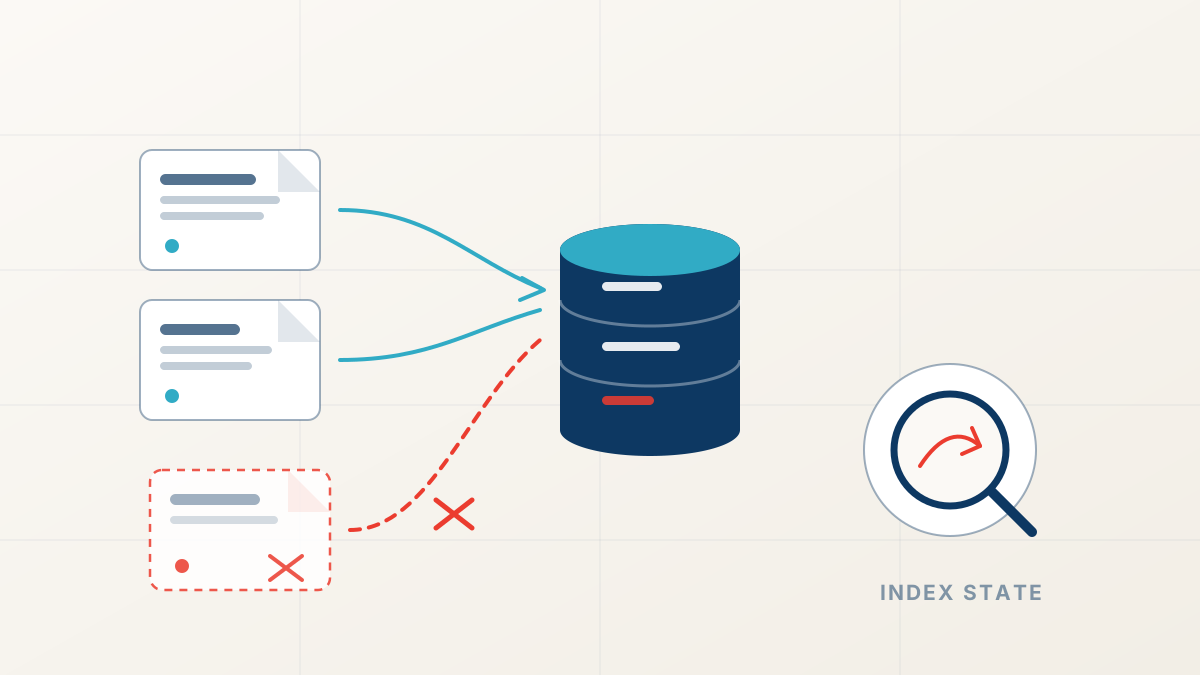
Technical SEO Errors That Remove Pages From Google
Pages keep returning 200 while quietly disappearing from search. Rogue canonicals, crawl blocks, and decaying redirect chains explain most of these silent losses.
FastestRank Editorial6 min read
Technical SEO
A 7-Step Architectural Guide to a Successful Website Overhaul Without Traffic Loss
Forensic URL inventorying, 301 redirect mapping, content parity auditing, and post-launch telemetry safeguards protect hard-earned search rankings.
FastestRank Technical Architecture8 min read
Core Updates
Why Rankings Drop After Google Algorithm Updates
Traffic falls within days of a confirmed Google update. Here is how to date the drop, separate a site-wide loss from a page-level intent mismatch, and avoid the panicked fixes that slow recovery.
FastestRank Editorial6 min read