
Technical SEO
Technical SEO Errors That Remove Pages From Google
Pages keep returning 200 while quietly disappearing from search. Rogue canonicals, crawl blocks, and decaying redirect chains explain most of these silent losses.
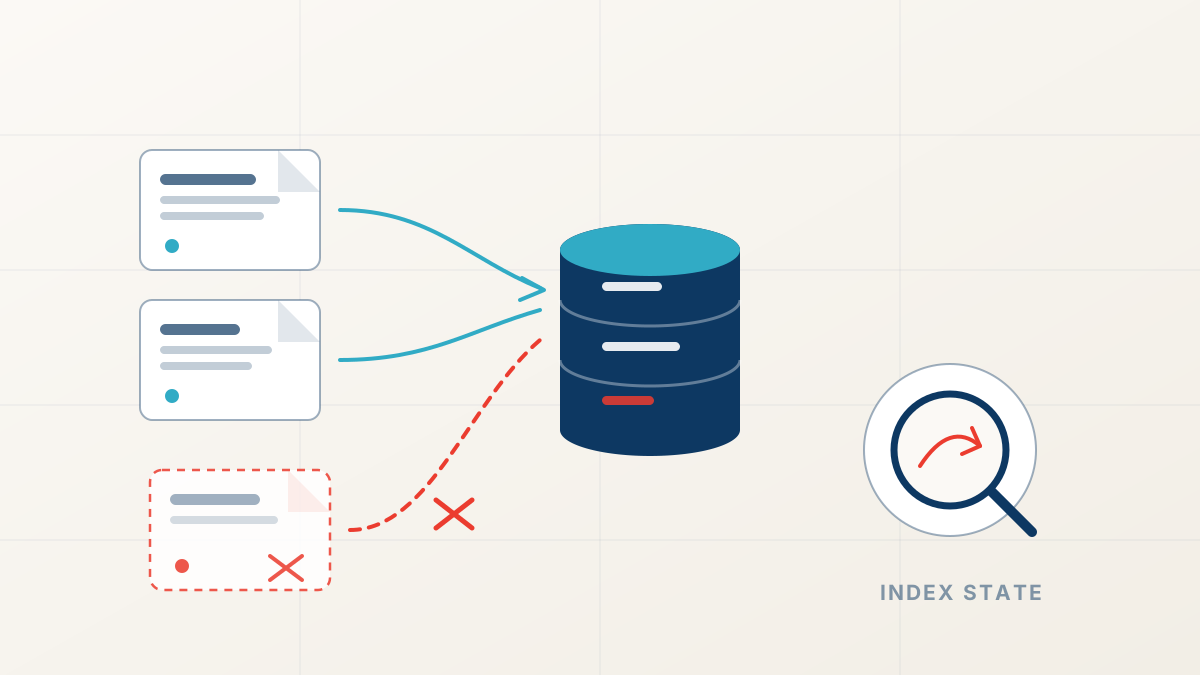
Key takeaways
- A page can return 200, pass every uptime check, and still be absent from Google's index. Uptime is not indexation.
- Rogue canonical tags after migrations, redesigns, or plugin updates quietly hand page authority to the wrong URL.
- Staging robots rules, leftover noindex tags, and broken redirect chains are the three most common silent exclusions.
- A four-step audit — URL Inspection, log files, sitemap parity, canonical review — isolates the fault in an afternoon.
Crawled is not the same as indexed
The most confusing ranking drop is the silent one: the page loads fine, uptime monitors show green, and yet the page is gone from Google. To see how that is possible, follow the path a URL travels. Googlebot must be able to crawl the page. The page must be eligible for the index. Only then can it rank. Each stage has its own failure modes, and none of them produce an error on your server.
Your monitoring answers "is the page up?" — a 200 status. Google's index answers a different question: "did we decide to store and serve this page?" A page can serve perfectly to every visitor and still be left out of that second system because of one line of code, one header, or one wrong canonical. When key pages still return 200 but no longer appear in search, work down the path in order: crawl, then index, then rank.
Canonical drift: the quiet redirect of authority
Every page carries a canonical signal that tells Google which URL is the master copy. When that signal points somewhere else, Google consolidates the page into its preferred twin and stops showing yours. This is canonical drift, and it is the single most common cause of a healthy page vanishing without any server error.
Drift usually arrives with routine work, not disasters. A migration plugin points canonicals at the old domain. A theme update injects a sitewide canonical. An HTTP-to-HTTPS move leaves the wrong protocol in the templates. And a CMS setting folds paginated pages into page one. Nothing breaks. Nothing logs an error. The page just quietly stops being the version Google keeps.
Verify with evidence, not memory: view the rendered page source, check the canonical tag and any robots meta tag, then confirm what Google actually chose in the URL Inspection report. What your CMS means to emit and what Google receives are two different facts, and drift lives in the gap between them.
Crawl blocks, noindex remnants, and redirect chains
Three more mechanisms produce the same silent loss. A robots.txt rule left over from staging blocks Googlebot from reading the page. An X-Robots-Tag header or a noindex tag left over from an old test removes an indexed page at the next crawl. And a redirect chain decays when someone repoints an intermediate hop, leaving Google holding a 404 or a loop.
These faults cluster around change events. Deployments, domain moves, and plugin installs are where staging rules escape into production and where redirect targets get renamed. If your traffic fell shortly after a release, diff the robots.txt, the response headers, and the redirect map against the previous version before you consider any other cause.
A robots.txt disallow stops Googlebot from fetching a page, which means it can never read a noindex directive or updated canonical on that page. To remove or reinstate a page reliably, let Googlebot crawl it and control eligibility with robots meta signals instead.
A four-step indexation audit
You do not need enterprise tooling to find these faults. Four checks, run in order, isolate almost every technical exclusion within an afternoon.
If one product page lost its canonical, every page from the same template probably did. Fixing the template repairs the whole class at once.
Run URL Inspection on the missing pages
Google's own verdict: whether the URL is on Google, and if not, which exclusion reason it recorded.
Check crawl hits in your server logs
If Googlebot has not requested the page in weeks, look for robots blocks, internal link loss, or crawl-budget signals.
Reconcile your sitemap against the index
Every submitted URL should be indexable and live. Sitemap entries stuck in "Crawled - currently not indexed" mark the fault zone.
Review canonicals and robots directives on one affected template
Read the rendered HTML, not the CMS source. Template-level faults replicate across every page that shares the template.
Repair the path, then keep it monitored
Repairs follow directly from the fault: correct the canonical, lift the block, flatten the chain, and request a recrawl of the affected URLs. Indexation usually returns within days once the path is clean, though rankings can lag while Google re-evaluates the restored pages.
Prevention is cheaper than repair. Indexation monitoring belongs in your release checklist: after every deploy, spot-check the key templates in URL Inspection and watch the sitemap-vs-indexed ratio week over week. Our website maintenance service includes exactly this kind of scheduled check, so faults are caught in days instead of quarters.
If the audit shows your pages are indexed and reachable but still not ranking, the cause is no longer technical. At that point a ranking drop diagnosis moves the question from infrastructure to content quality, links, or competition — with evidence for each candidate before any work begins.
Ranking Drop Diagnosis
Find out why your rankings dropped
FastestRank dates your traffic loss, ties it to a documented cause, and ranks the fixes — a human-reviewed diagnosis, not an automated checklist.
Sources
FastestRank Editorial
Ranking Recovery Desk
FastestRank Editorial dates and diagnoses ranking drops for business owners, separating verified causes from guesswork before any recovery work begins.
Continue Reading
Related Articles
Core Updates
Why Rankings Drop After Google Algorithm Updates
Traffic falls within days of a confirmed Google update. Here is how to date the drop, separate a site-wide loss from a page-level intent mismatch, and avoid the panicked fixes that slow recovery.
FastestRank Editorial6 min read
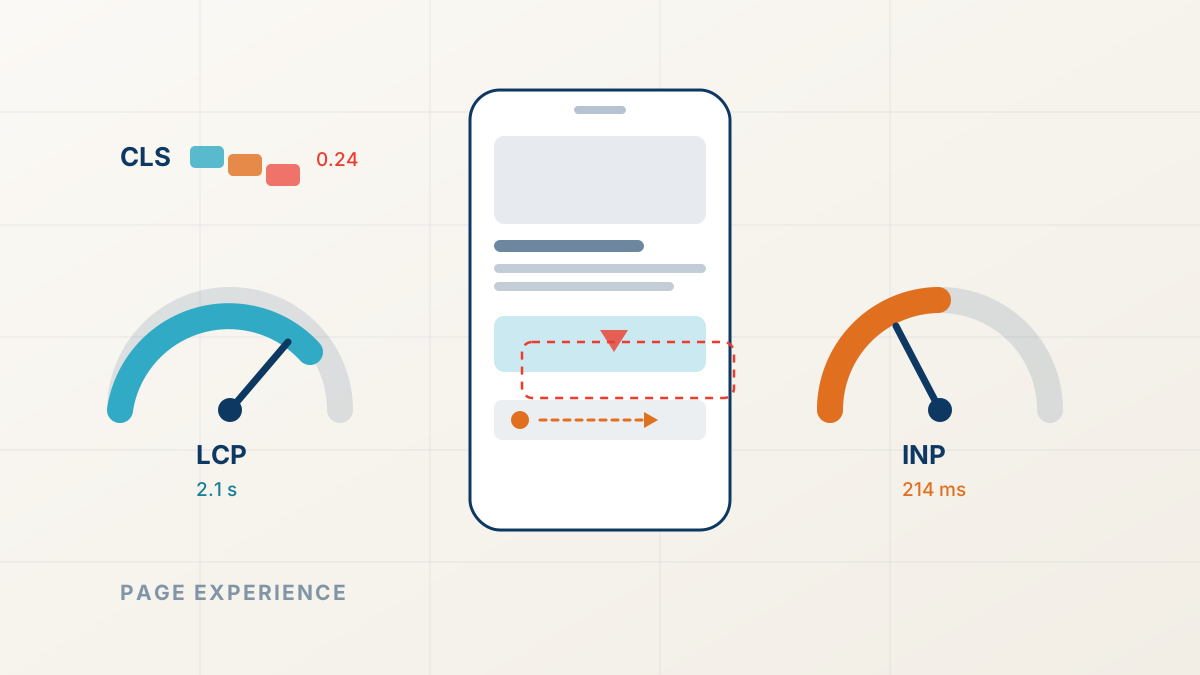
Technical SEO
Core Web Vitals and Ranking Drops: The Page Experience Factor
Slow, shifting pages lose close ranking contests. Here is how page experience signals work, how to read field data honestly, and what to fix first.
FastestRank Editorial6 min read

Website Maintenance
A Maintenance Routine That Aids SEO Recovery
Know what the website depends on, preserve a usable recovery path and check the actions visitors rely on after a change.
FastestRank Editorial3 min read