
Core Updates
Why Did My Rankings Drop? A Forensic SEO Diagnostic Guide
A sudden drop in search rankings points to one of five distinct causes. Here is how to date the loss, isolate the mechanism, and avoid the panic changes that make recovery harder.
Key takeaways
- Date the drop before touching code or content: an organic loss that starts on a single day points to an infrastructure failure or a confirmed algorithm rollout.
- Check Google Search Console for manual actions and security notices first to eliminate penalization before investigating technical health.
- Segment rankings by query class and template: a site-wide decline points to domain-level quality reassessment, while an isolated dip points to template errors or competitor gains.
- Avoid making panicked edits during an active rollout, which muddies diagnostic data and delays recovery.
Date the drop before making assumptions
When organic search positions fall, the immediate reaction is often panic: rewriting titles, deleting sections, or buying backlinks. Rushed interventions almost always make the situation worse because they destroy the baseline evidence needed to understand what actually occurred. The first rule of forensic search analysis is simple: establish the exact calendar date when positions and impressions began to decline.
Open Google Search Console, set the date range to compare the last 28 days with the previous period, and identify the initial day of downward movement. A drop that occurs over twenty-four hours indicates an event-driven cause, such as a software deployment, a server misconfiguration, or an official Google search update. A slow downward drift spanning several months indicates progressive causes like content decay or gradual link attrition. Matching this date against deployment logs and the official Google Search Status Dashboard narrows the investigation immediately.
Always look at impressions first. If impressions dropped sharply on a specific date, Google stopped serving your URL in search results. If impressions remained steady while clicks fell, your positions held but your title tag, rich snippet, or search result appearance lost appeal.
The five root causes of organic ranking loss
Every organic search decline traces back to one of five distinct operational mechanisms. Confusing these mechanisms leads website operators to apply the wrong remedy, such as rewriting content when the real problem is a blocked server port or a rogue canonical directive.
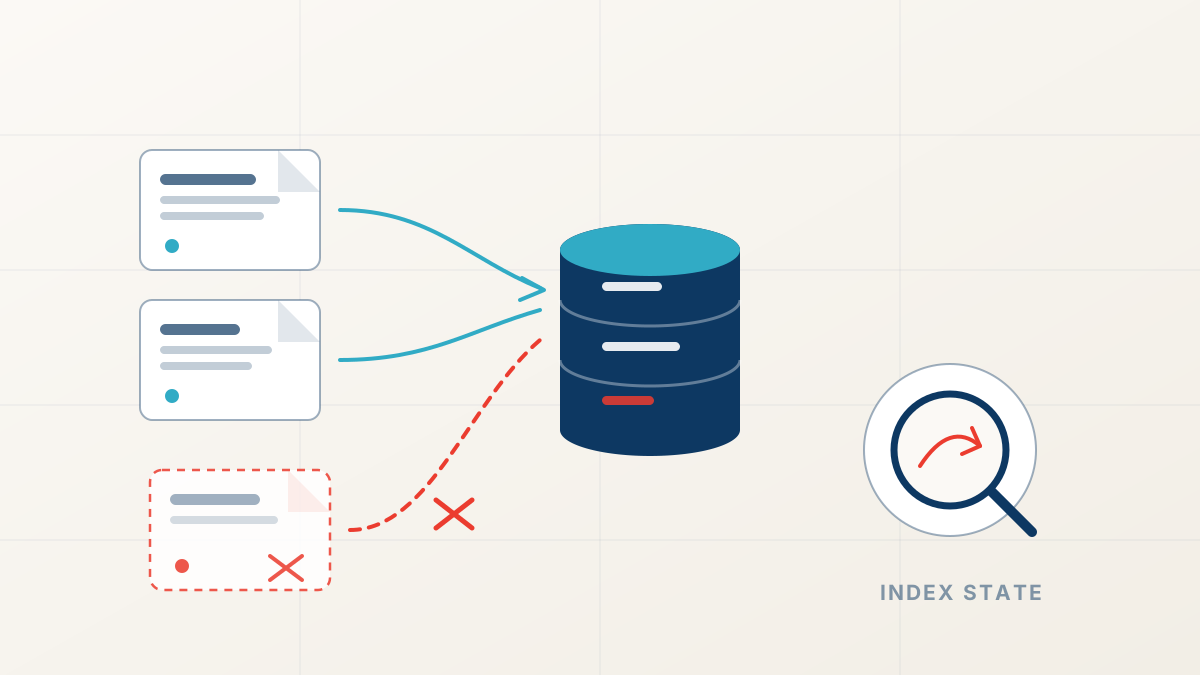
The first mechanism is a technical infrastructure failure: unintended robots.txt disallow lines, noindex meta tags pushed to production, canonical drift consolidating authority away from target URLs, or spikes in 5xx server errors. The second mechanism is an algorithmic update, where Google re-scores quality and intent across entire industries. The third is competitor displacement, where rival pages publish superior data, resolve user questions faster, and push older listings down. The fourth is backlink erosion, caused by publishers removing citations or broken redirect chains dumping earned authority. The fifth is search intent drift, where user search habits shift toward newer formats or different answers.
Check server response status codes
Confirm that your web server returns clean 200 HTTP responses without intermittent 500 or 503 errors during crawl spikes.
Inspect robots.txt directives
Verify that recent code deployments did not push staging disallow directives to your public robots.txt file.
Audit canonical tags in rendered HTML
Ensure that target URLs reference themselves rather than pointing erroneously to the homepage or older HTTP paths.
Review Search Console indexing status
Look for spikes in Excluded by noindex tag or Crawled - currently not indexed categories.
Check external backlink velocity
Determine if high-authority referring domains were lost or redirected to non-existent 404 targets.
Rule out manual actions and security issues
Before running complex audits, check whether Google took direct enforcement action against your domain. Manual actions are rare compared to algorithmic changes, but they require direct remediation and a formal reconsideration request rather than ordinary page edits.
Navigate to the Security & Manual Actions section in Google Search Console. If a manual penalty is active, Google displays an explicit notification describing the violation, such as unnatural outbound links, structured data spam, or pure spam. Similarly, check the Security Issues tab for malware injections, hacked content, or deceptive pages. If both reports state "No issues detected," your ranking loss stems from algorithmic evaluations, technical regressions, or market competition.
Google never sends a notification or email for algorithmic declines. If your Search Console manual action panel is clean, do not submit a reconsideration request. Reconsideration requests only apply to documented manual penalties.
Technical faults versus algorithmic re-evaluations
Separating technical defects from algorithmic reassessments requires inspecting how widely the drop spread across your website. Technical errors usually isolate along specific code paths: every URL using a shared template loses ranking, while pages powered by a different template maintain their visibility. If your product pages dropped while your blog posts remained untouched, examine template updates, schema changes, or canonical tags modified during the latest software release.
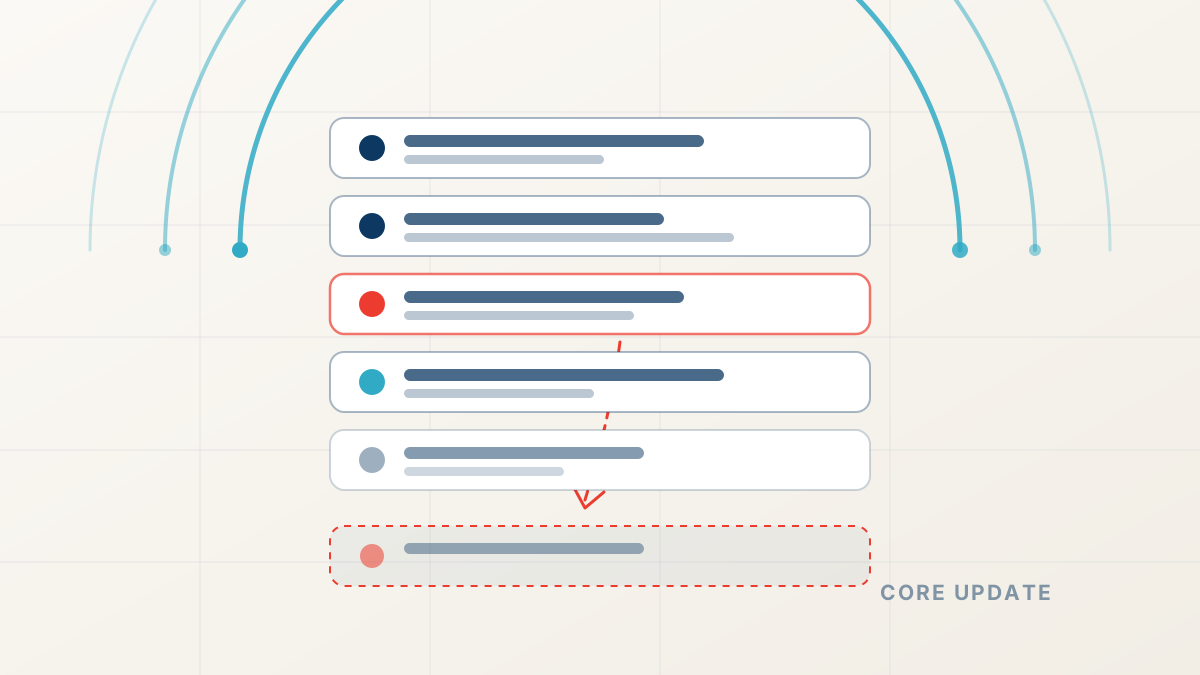
Algorithmic updates behave differently. A core update reflects a site-wide evaluation of authority, user experience, and content depth. During a core update rollout, drops typically affect broad query categories simultaneously. Google does not view your page as broken; instead, the search engine determined that competing websites offer more accurate, thoroughly sourced, or directly useful answers.
“An algorithmic drop does not mean your site broke. It means the standard for your topic rose, and other pages met the new criteria more effectively.”
A systematic recovery roadmap
Recovering lost search visibility requires patience and methodical execution. First, resolve any confirmed technical regressions: remove accidental noindex tags, restore broken internal links, and correct erroneous canonical targets. Recrawl requests through the URL Inspection tool usually yield rapid indexation improvements once technical barriers disappear.
Content and authority recovery operate on a longer timeline. For pages affected by core updates or competitor displacement, conduct a comprehensive audit against Google's helpful content guidelines. Replace vague claims with verified data, add transparent author biographies with verifiable credentials, and remove thin or repetitive pages that dilute overall domain quality.
For business owners seeking verified diagnostic clarity, our professional ranking drop diagnosis correlates server logs, crawl data, and historical rankings to produce an actionable recovery plan. If you prefer to conduct initial assessments internally, our free SEO audit tools help you inspect canonical structures and server response headers directly.
Ranking Drop Diagnosis
Find out why your rankings dropped
FastestRank dates your traffic loss, ties it to a documented cause, and ranks the fixes: a human-reviewed diagnosis, not an automated checklist.
Sources
FastestRank Editorial
Ranking Recovery Desk
FastestRank Editorial dates and diagnoses ranking drops for business owners, separating verified causes from guesswork before any recovery work begins.
Continue Reading
Related Articles
Technical SEO
How to Find Out Why Your Website Lost Traffic
Analytics confirms that visitors stopped arriving, but only Search Console reveals why. Here is the step-by-step diagnostic workflow to isolate dropped pages, queries, and crawl errors.
FastestRank Editorial8 min read
Core Updates
Why Rankings Drop After Google Algorithm Updates
Traffic falls within days of a confirmed Google update. Here is how to date the drop, separate a site-wide loss from a page-level intent mismatch, and avoid the panicked fixes that slow recovery.
FastestRank Editorial6 min read
Technical SEO
Technical SEO Errors That Remove Pages From Google
Pages keep returning 200 while quietly disappearing from search. Rogue canonicals, crawl blocks, and decaying redirect chains explain most of these silent losses.
FastestRank Editorial6 min read